Skip to Content

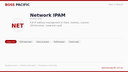
BOSS Pacific Network IPAM

SKU : BP-MOD-IPAM
(0 review)

Network IPAM — IP Address Management in Odoo

Why run a separate IPAM tool when your ERP already knows your customers, sites, and assets? Manage your entire network from Odoo.

The Problem

Most businesses track IP addresses in spreadsheets. MSPs and IT teams juggle separate tools for IPAM, ticketing, and billing. Information is scattered, outdated, and disconnected from customer records.

The Solution

BOSS Pacific Network IPAM brings IP address management directly into Odoo. Every IP address links to a customer, a site, a contract. Network scans run on schedule and update automatically. SSH into any device without leaving your browser.

Features

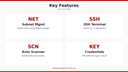
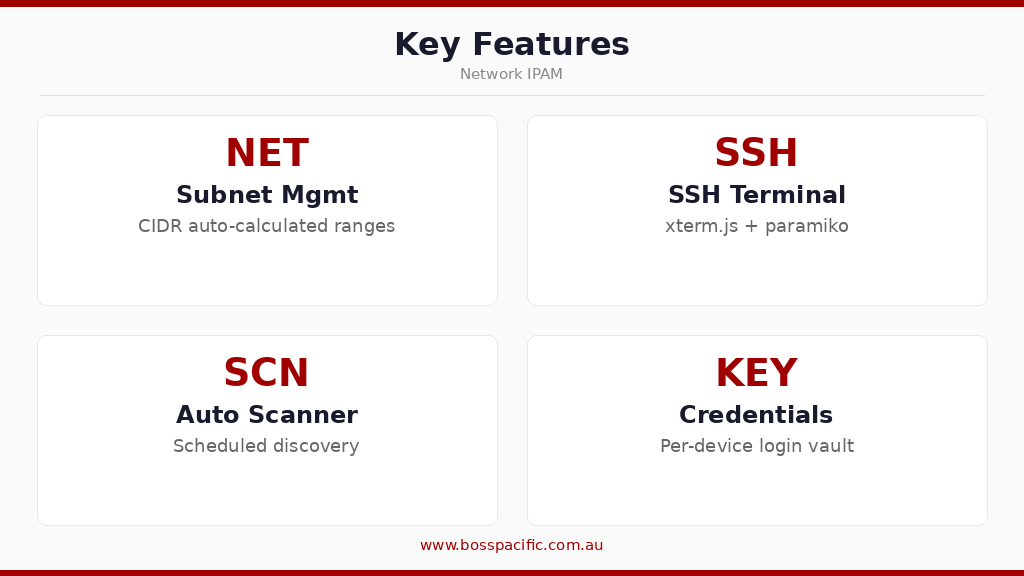
  • Subnet Management — CIDR notation with auto-calculated ranges, gateway, broadcast, and usable host count
  • IP Address Tracking — Hostname, MAC address, device type, status (active/reserved/available), last seen timestamp
  • Automated Scanner — Python-based network discovery runs on schedule (configurable cron), writes progress to JSON for live monitoring
  • Web SSH Terminal — xterm.js terminal with paramiko backend. Click any IP, enter credentials (or use saved creds), and you're in. 5-second auto-connect.
  • Credential Vault — Store SSH/login credentials per device with Odoo's built-in access controls
  • Context Menus — Right-click any IP for quick actions: SSH, ping, scan, edit, view history
  • Scan History — Complete audit trail of network scans with discovered/changed/lost device tracking

Architecture

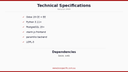
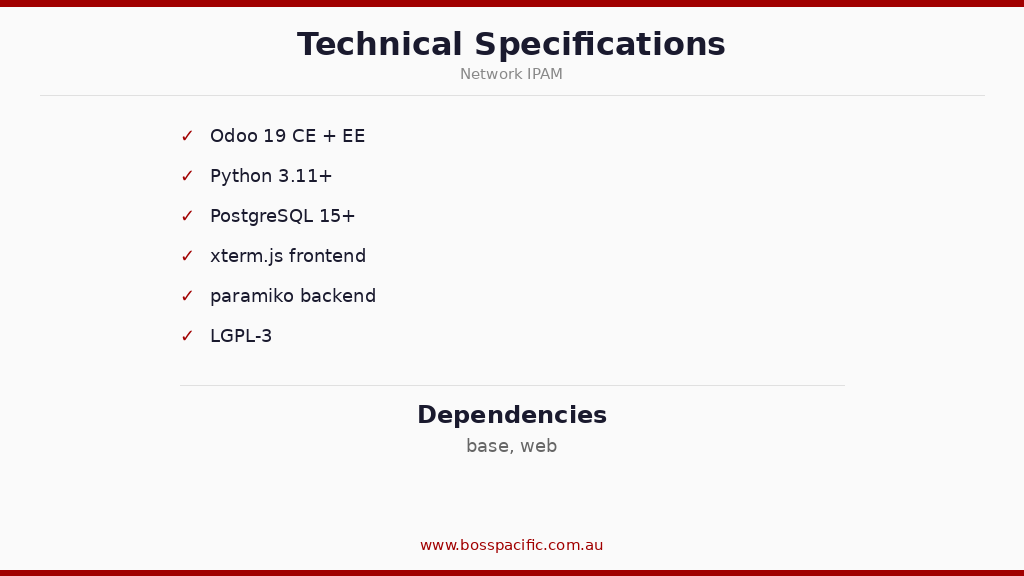
Odoo Version19.0 (Community & Enterprise)
ScannerPython (nmap/ping), runs as systemd service or cron
Terminalxterm.js (frontend) + paramiko (backend SSH)
External SaaSNone — fully self-hosted
Dependenciesbase, web

Licence Options

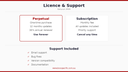
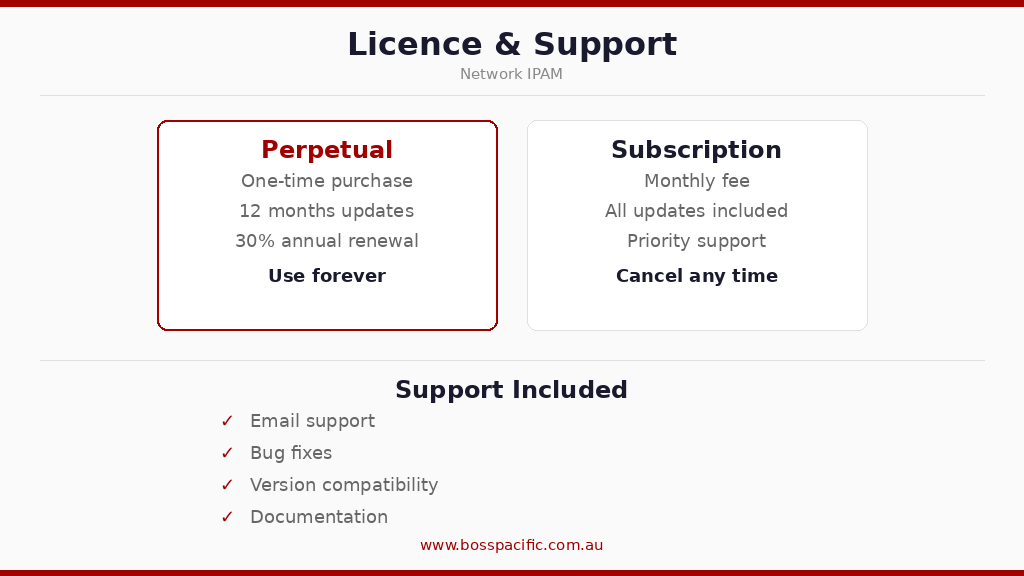
Perpetual Licence — One-time purchase, unlimited devices, 12 months updates included.
Subscription — Monthly fee includes updates, priority support, and new feature access.

499.00 Inc. GST 499.00 (Tax included)

30-day money-back guarantee
Shipping: 2-3 Business Days

Network IPAM — IP Address Management in Odoo

Why run a separate IPAM tool when your ERP already knows your customers, sites, and assets? Manage your entire network from Odoo.

The Problem

Most businesses track IP addresses in spreadsheets. MSPs and IT teams juggle separate tools for IPAM, ticketing, and billing. Information is scattered, outdated, and disconnected from customer records.

The Solution

BOSS Pacific Network IPAM brings IP address management directly into Odoo. Every IP address links to a customer, a site, a contract. Network scans run on schedule and update automatically. SSH into any device without leaving your browser.

Features

  • Subnet Management — CIDR notation with auto-calculated ranges, gateway, broadcast, and usable host count
  • IP Address Tracking — Hostname, MAC address, device type, status (active/reserved/available), last seen timestamp
  • Automated Scanner — Python-based network discovery runs on schedule (configurable cron), writes progress to JSON for live monitoring
  • Web SSH Terminal — xterm.js terminal with paramiko backend. Click any IP, enter credentials (or use saved creds), and you're in. 5-second auto-connect.
  • Credential Vault — Store SSH/login credentials per device with Odoo's built-in access controls
  • Context Menus — Right-click any IP for quick actions: SSH, ping, scan, edit, view history
  • Scan History — Complete audit trail of network scans with discovered/changed/lost device tracking

Architecture

Odoo Version19.0 (Community & Enterprise)
ScannerPython (nmap/ping), runs as systemd service or cron
Terminalxterm.js (frontend) + paramiko (backend SSH)
External SaaSNone — fully self-hosted
Dependenciesbase, web

Licence Options

Perpetual Licence — One-time purchase, unlimited devices, 12 months updates included.
Subscription — Monthly fee includes updates, priority support, and new feature access.